Merge whole PDFs
Import as many files as you want. Drag to reorder. Tap merge. The output is a single, clean PDF ready to save or share.
iPhone · Productivity · v1.0
Combine, split, and reorder PDFs right on your iPhone. Every page stays on your device — no accounts, no uploads, no tracking.
Why we built it
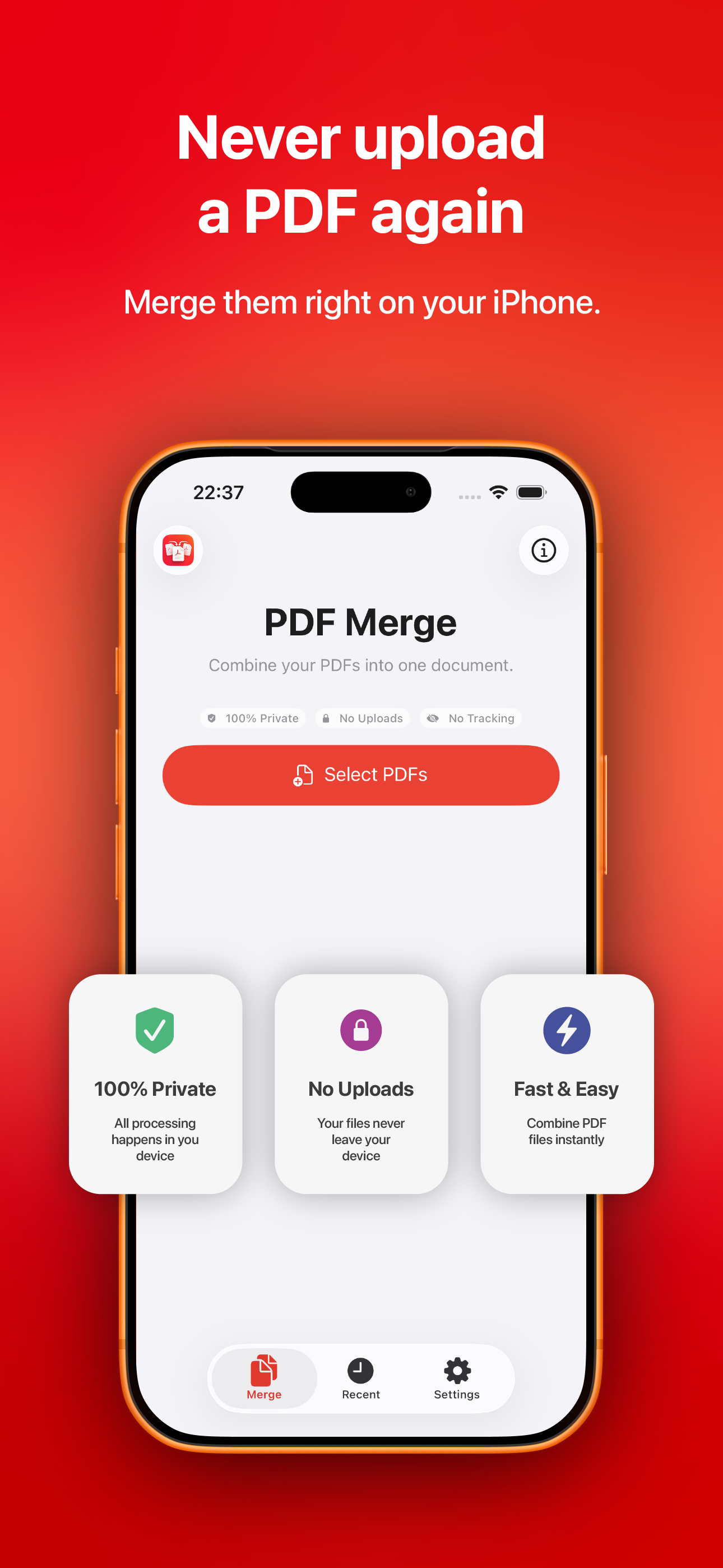
The web is full of PDF mergers that ask you to upload your contracts, medical records, and tax returns to a server you'll never see. PDF Merge does the whole job on your phone.
A private utility for people who read the fine print.
Features
Built with Apple's native PDFKit. No third-party libraries, no analytics SDKs, no network calls.
Import as many files as you want. Drag to reorder. Tap merge. The output is a single, clean PDF ready to save or share.
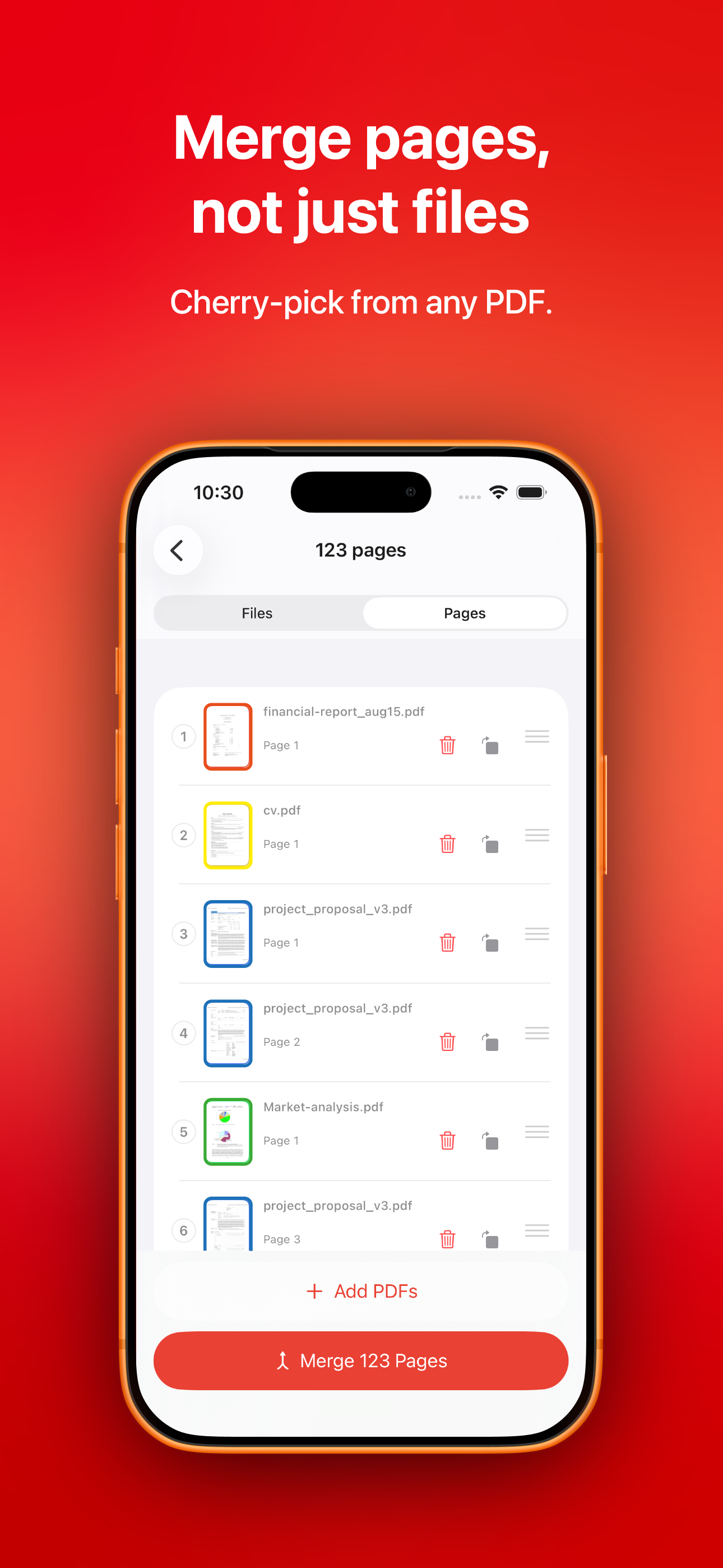
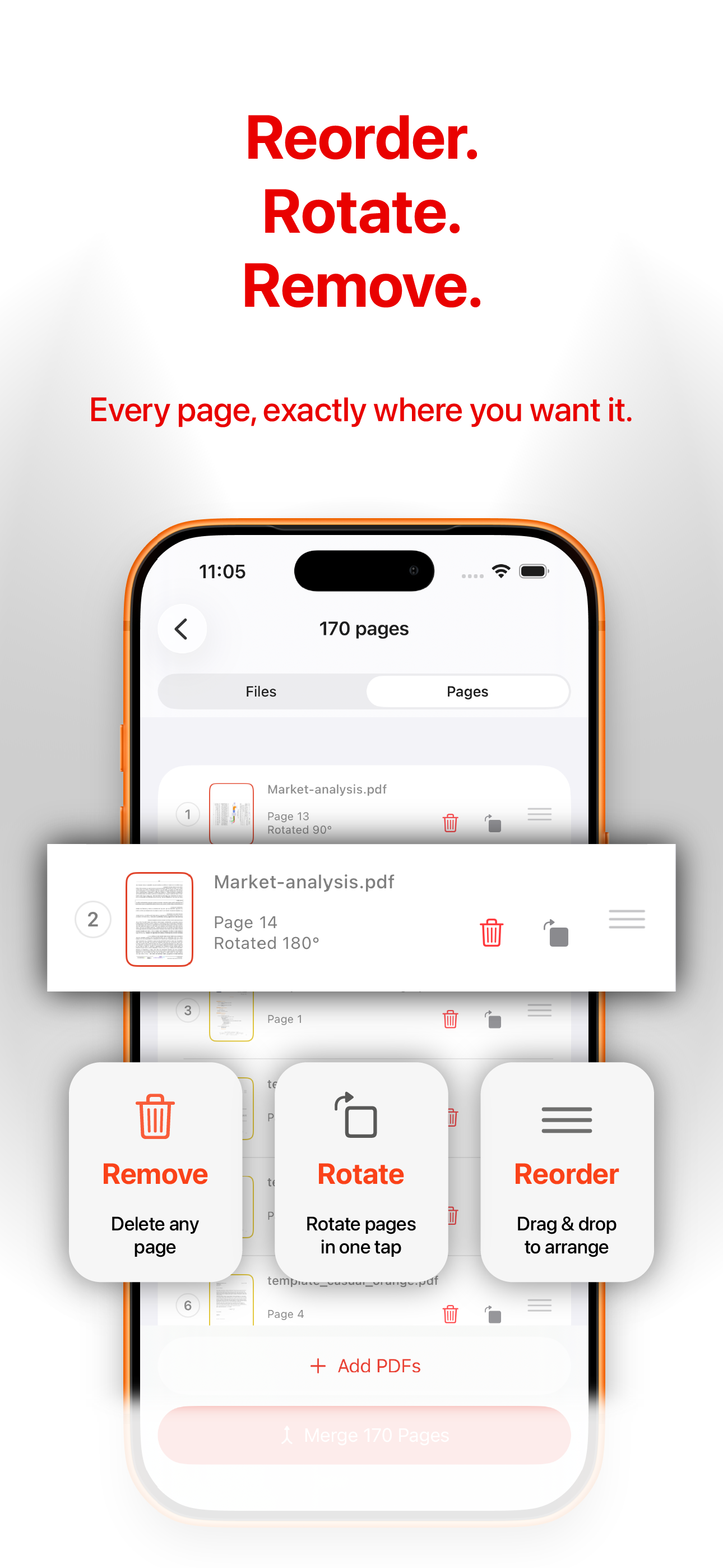
Switch to the Pages tab and select individual pages from any of your source files. Assemble the exact document you need.
Fix upside-down scans in a single tap. Drag pages into place with fluid, native drag-and-drop.
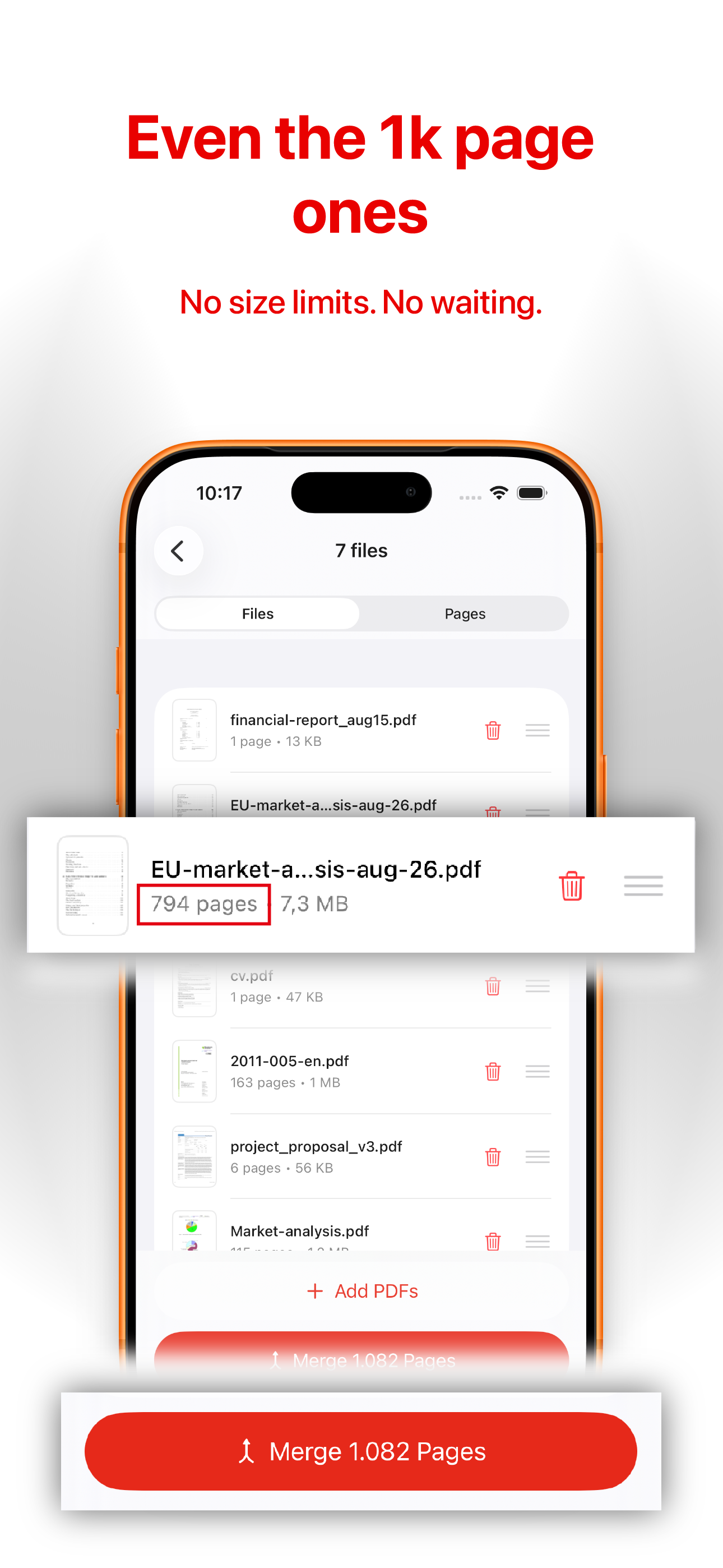
Tested with PDFs of a thousand pages and more. Nothing to upload, nothing to wait on.
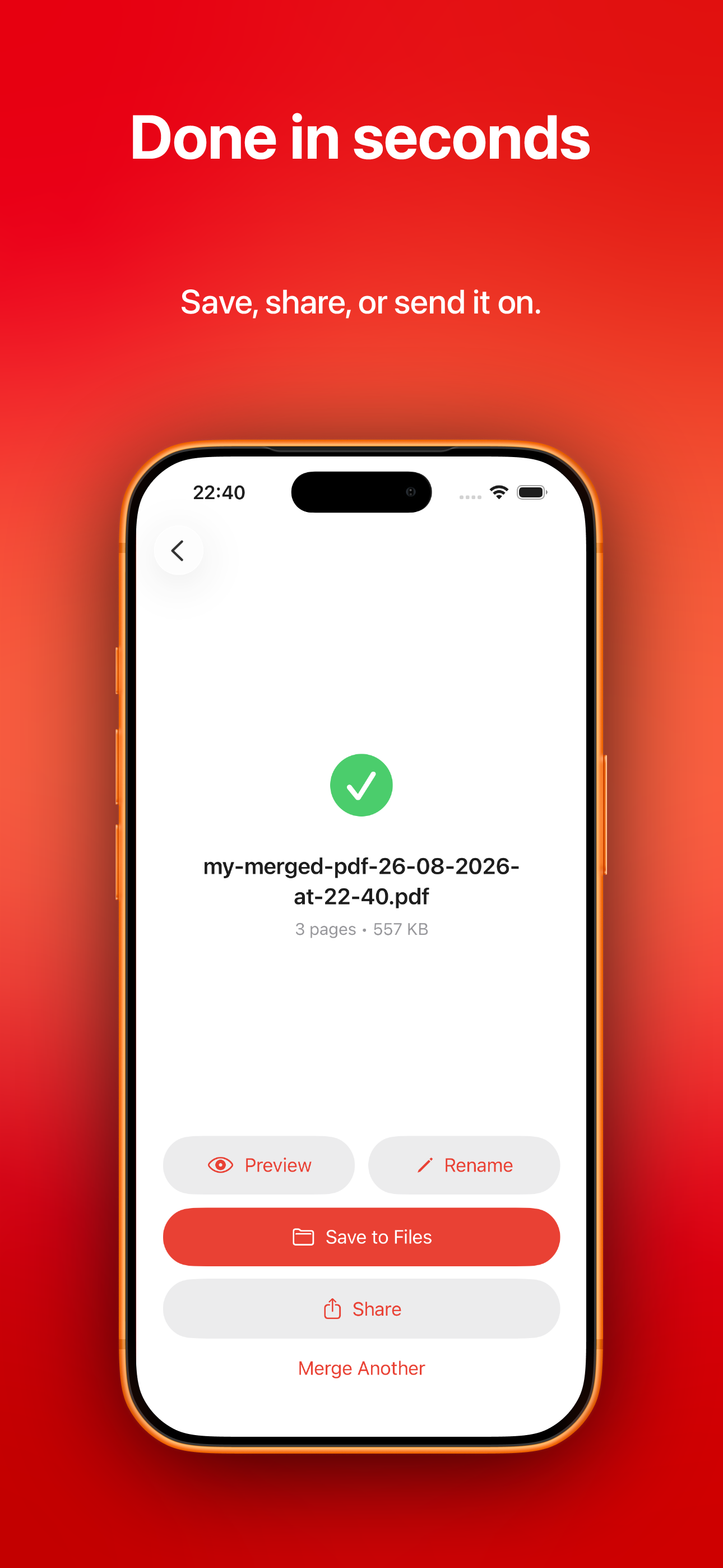
Export straight to Files, iCloud Drive, Mail, WhatsApp, or any share sheet destination. Rename before you send.
Every merge stays one tap away in a Recents view. Preview, rename, or reshare without repeating the whole flow.
Screens
Five taps between opening the app and having a merged PDF in your Files.
Three steps
No account. No cloud sync. Nothing to configure.
01 · Import
Tap Select PDFs and choose files from Files, iCloud, or a share sheet. Import as many as you like.
02 · Arrange
Switch between Files and Pages views to organize either whole documents or individual pages exactly how you want them.
03 · Export
Tap Merge, name the result, and send it wherever it needs to go. Every merge is saved to your Recents.
Pricing
Merge two PDFs per session for free, forever. Upgrade for unlimited merges — pay however works best for you.
Common questions
Still stuck? Get in touch — we answer every message personally.
Yes. PDF Merge uses Apple's PDFKit framework to process files locally. The app makes no network calls, has no analytics SDK, and doesn't require an account. You can verify this yourself by putting your phone in airplane mode — the whole app still works.
No hard limit. The only ceiling is your device's available memory. We've tested with individual PDFs of a thousand pages and merges of a few thousand pages combined without issues on modern iPhones.
Everyone gets every feature — all the page-editing tools, the Recents library, unlimited imports. Free is limited to merging two PDFs at a time. Pro removes that cap.
Anytime, directly from your iPhone's Settings → Apple ID → Subscriptions. The Yearly plan starts with a 3-day free trial you can cancel before being charged. Lifetime is a one-time purchase with no ongoing charge.
No. There is no data to sell. The app doesn't collect it. Our full privacy policy is here.
Any iPhone running iOS 17 or later. iPad support is on the roadmap.
Free to try. Two taps to your first merged PDF. Nothing to sign up for.
Download on the App Store